Try. Tinker. Try again.
No penalty for a failed mission. Every experiment is a chance to notice something new.
A little curiosity goes a long way
A robot you build. A plan you create.
A whole world of “let’s try that!”
Meet BotPebble: Robot Lab — a playful building and coding adventure for curious minds aged 6–15.
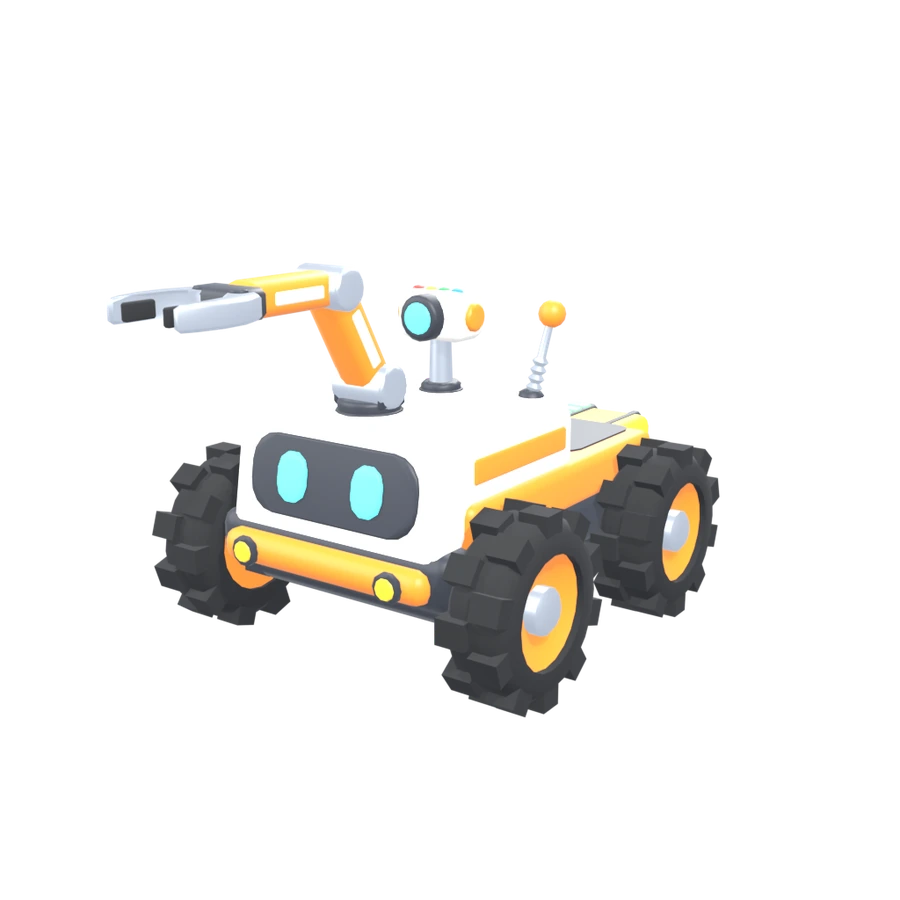
01 / Welcome to your robot lab
Rescue a kitten. Cross a muddy park. Put out a fire.
There’s more than one way to solve a problem —
and the next idea is yours.
story & lab missions
practice challenges
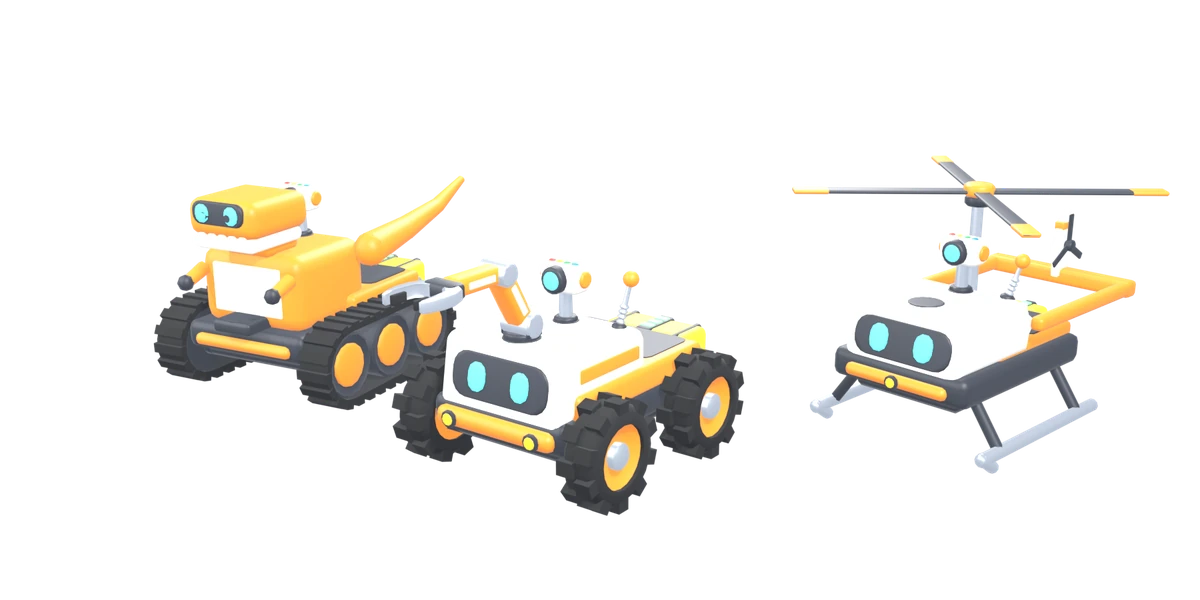
robot bodies to discover
Mix bodies, movement, sensors and tools. Try a new combination and see what it can do.
ACTUAL GAMEPLAY02 / A tiny taste of the big idea
No coding experience? Perfect.
Try this little browser demo: give your robot
a few instructions and help it reach the pebble.
Cross the muddy patch, reach the orange pebble, then collect it. Tracks are great in mud!
Tap a block to add it to the end.
Here’s one idea to start with. Run it, or change a block and experiment.
A small web demo inspired by the game. The Android app has the full 3D adventures.
03 / A reason to get curious again
Every day, the lab suggests an optional mission. Try a run, finish the challenge and collect achievements along the way.
04 / A happy place for curious minds
Pip, your helpful robot guide, suggests one thing
to try next. Change a part. Adjust a block.
That’s how discoveries happen.
No penalty for a failed mission. Every experiment is a chance to notice something new.
The Android game has no ads, purchases, accounts or chat. Adventures work without an internet connection.
Start with simple sequences. Grow into loops, conditions, Code view and the Engineer Lab.
12 app languages, with bundled spoken instructions.
Switch during play. Turn audio on or off whenever you like.
Designed for ages 6–15. Younger players may enjoy a little grown-up help. All robot experiments happen safely inside the game.
No. Children start by adding simple instruction blocks. As they explore, they can try loops and conditions, and see the same program as Python-style code in Code view.
BotPebble: Robot Lab is being prepared for Android phones and tablets running Android 7.1 or later. The little mission on this website is a browser demo, not the complete game.
No. The game runs offline, with no account, chat, advertising or in-app purchases. Progress and preferences are stored on the device.
Yes. Choose from 12 languages in the app, including during a mission. Spoken instructions, music and effects have controls, and the master audio switch can mute everything.
The Android release is coming soon. We’re still testing the game and reviewing language and audio quality. A Google Play link will appear here once the public release is available.
Clear the app’s storage in Android settings or uninstall the app. Progress stays on the device and there is no online account to delete. See our privacy policy for details.
A whole lot of possibility, in one little robot